
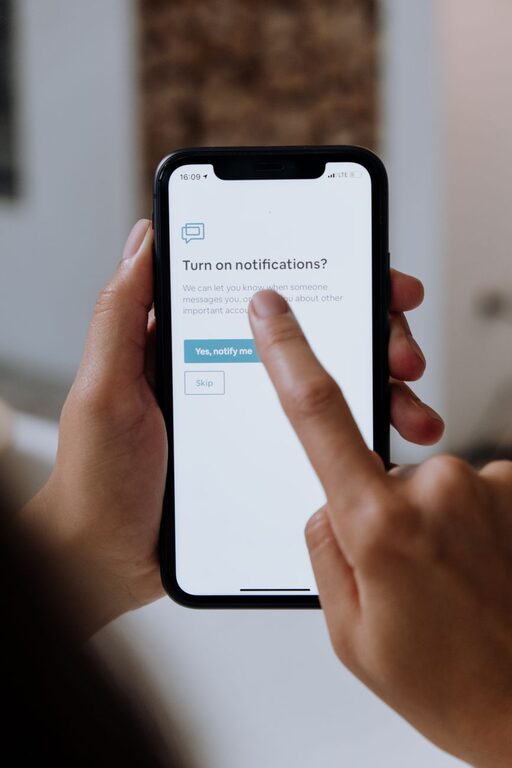
In today’s connected world, notifications constantly vie for our attention. From social media alerts to email pings and app updates, these interruptions can disrupt our focus, increase stress, and reduce productivity. Setting clear boundaries with notifications is essential to maintaining control over your time and mental space.
In this post, we’ll explore effective tips to help you manage notifications in a way that keeps distractions at bay and supports your daily goals.
Why Setting Boundaries with Notifications Matters
Notifications are designed to grab your attention quickly, but when they come too frequently or at inopportune times, they can interfere with work, rest, and personal time. Constant interruptions can:
– Decrease productivity by breaking your concentration
– Increase feelings of stress or overwhelm
– Disrupt sleep or relaxation when notifications come late at night
– Make it harder to be present during conversations or activities
By creating boundaries around when and how you receive notifications, you can protect your time and focus, making room for what truly matters.
Tips for Managing and Setting Boundaries with Notifications
1. Audit Your Notifications Regularly
Start by reviewing which apps and devices are sending you notifications. Many smartphones and computers have a notification settings menu where you can see how frequently apps notify you.
– Identify which notifications are important and which can be turned off.
– Disable non-essential or redundant alerts to clear noise.
– Prioritize notifications from people or services you absolutely need to hear from immediately.
2. Use Do Not Disturb or Focus Modes
Most devices offer a “Do Not Disturb” or “Focus” mode that mutes notifications during specific times or activities.
– Schedule Do Not Disturb during work hours or when you need deep focus.
– Use it during meetings, workouts, or family time to avoid interruptions.
– Customize settings so urgent calls or messages from key contacts still come through.
3. Set Specific Times to Check Notifications
Instead of reacting instantly, create designated times to look at notifications.
– Check email and messages at set intervals (for example, every 2-3 hours).
– Avoid responding immediately to every alert.
– This habit can help reduce stress and increase efficiency.
4. Customize Notification Sounds and Vibrations
Sometimes subtle changes to how notifications alert you can help establish better boundaries.
– Assign quieter or less intrusive tones for less important apps.
– Use visual notifications only, or turn off vibration to reduce distractions.
– Customize sounds so you recognize priority alerts instantly.
5. Leverage App Notification Settings
Most apps allow detailed notification control within their own settings.
– Turn off “push” notifications or reduce their frequency.
– Opt for summary notifications instead of real-time alerts if available.
– Adjust notifications based on the app’s importance to you.
6. Limit Notifications During Evening and Night
Sleep and downtime are critical, so protecting these hours from interruptions is key.
– Use night mode or scheduled Do Not Disturb to silence notifications overnight.
– Disable non-essential alerts during late hours.
– Consider turning off all notifications an hour before bedtime to help wind down.
7. Communicate Your Boundaries to Others
Let friends, family, and colleagues know about your notification boundaries.
– Share preferred times to be contacted and when you’re unavailable.
– Encourage understanding that you may take time to respond.
– This helps manage expectations and reduces pressure to respond immediately.
8. Use Technology Mindfully
Remember, technology is a tool meant to support you, not control you.
– Regularly reassess your notification settings as your needs change.
– Unsubscribe from unnecessary mailing lists and push notifications.
– Delete apps that contribute to notification overload without added value.
Conclusion
Setting boundaries with notifications is a practical step toward a more focused, balanced, and less stressful life. By auditing your alerts, scheduling focused times, customizing settings, and communicating your boundaries, you can reduce digital distractions and reclaim your attention.
Try implementing these tips gradually and adjust based on what works best for your lifestyle. With mindful management, notifications become helpful tools instead of interruptions in your day.
—
Taking control over your notification habits can dramatically improve your daily well-being and productivity. Start today and enjoy a calmer, more focused digital life.